Every inbox in one place. None of it on our servers.
0nbox is a free, private email aggregator. It brings every account you own, Gmail or any IMAP mailbox, into one list you can read, search and reply from. Your mail is stored in your browser, so there is no copy on our servers to leak, sell or hand over.
Stop switching accounts to check your mail.
0nbox aggregates every linked mailbox into one list, newest first, ordered by when each message arrived. A thin colour rail marks the account it belongs to, so a work thread and a personal one stay apart without a folder tree or a second tab. When you want one account alone, filter to it from the sidebar.
Today, across three accounts
Search every account. Privately.
Type once and 0nbox searches subjects, senders and previews across every mailbox you have linked. The search runs against the copy of your mail in this browser, so what you look for is never sent to us or anyone else.
Search: “vane contract”
From sign-up to one inbox in three steps.
- Step 1
Create an account
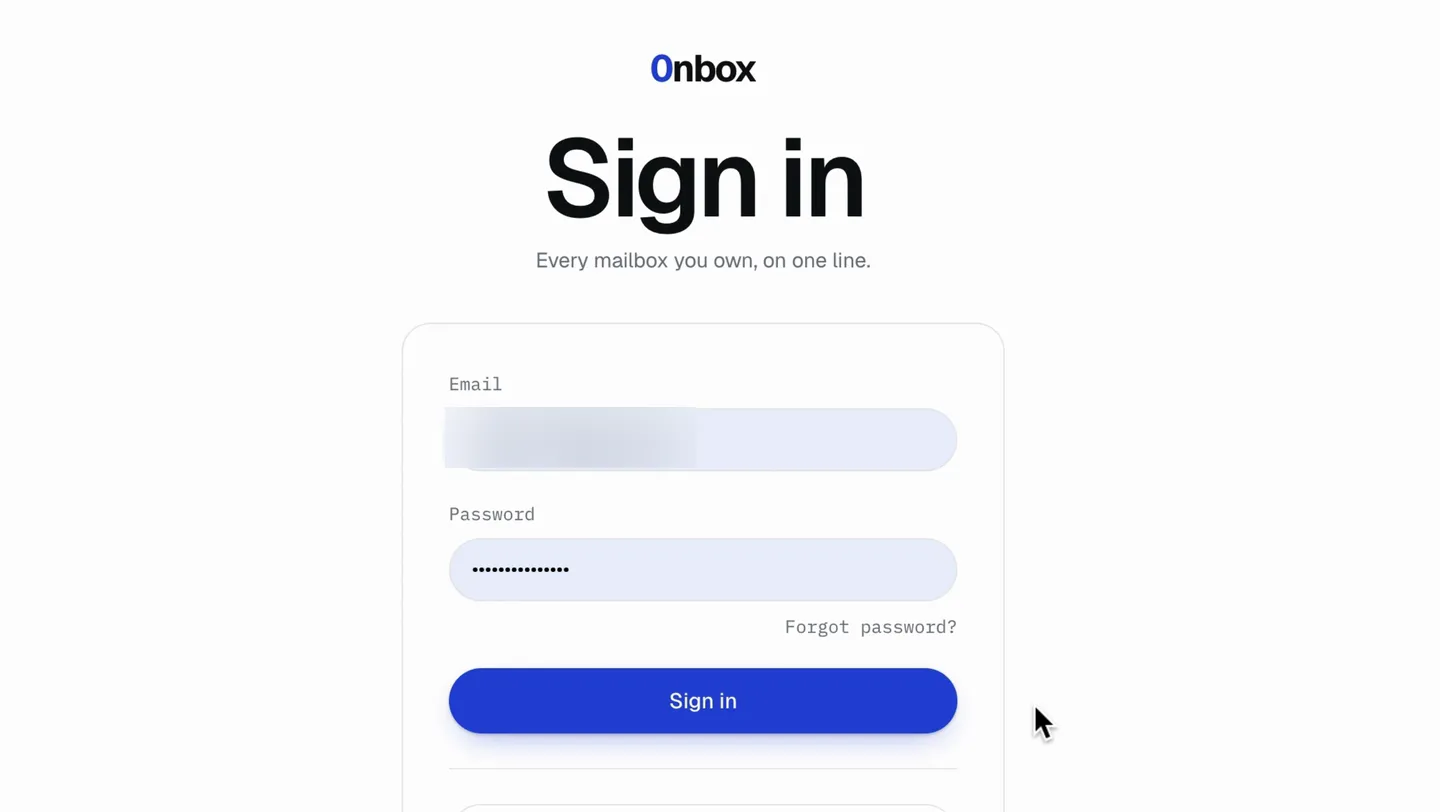
With an email and a password, or with Google. Google sign-in asks for your identity only, not your mail.
- Step 2
Link your mailboxes
Gmail links through Google's own consent screen. Any other IMAP account links with an app password. Add every address you have.
- Step 3
Read them as one
Your newest mail arrives first, straight into your browser's storage. 0nbox then works back through the last three months while you read.
Private by design, not by policy.
A privacy policy is a promise. Most of 0nbox’s privacy is a part that was never built: its server fetches your mail for your browser, and its database has no table to keep it in. The right-hand column is what that rules out.
What protects your mail
- Mail kept in your browserMessages are stored on your device, and signing out deletes them.
- Tracking pixels blockedRemote images stay unloaded, so a sender cannot tell when you opened their mail.
- Encrypted credentialsApp passwords and Google tokens are sealed with AES-256-GCM and never returned to the browser.
- Identity-only Google sign-inSigning in asks for your name and address. Reading mail is a separate consent.
- Search on your deviceEvery account searched at once, without the query leaving you.
What it will never have
- A copy of your mailOur server fetches your mail for your browser and has nowhere to keep it.
- Analytics on your mailPage analytics are switched off on the inbox and on every message.
- Your data for saleThere is no stored mail to sell, and no ad business to sell it to.
- An admin over your accountThere is no role above yours, so nobody is granted your mailbox.
- A team reading alongAn account belongs to one person and keeps belonging to them.
0nbox vs Spark, Shift and Mailbird.
All four put more than one email account in front of you. They differ on whether those accounts are truly aggregated into one list, what you have to install, and what it costs to add the second address.
| Feature | 0nbox | Spark | Shift | Mailbird |
|---|---|---|---|---|
| Every account in one list | Yes, newest first | Yes, the Smart Inbox | No, you switch between inboxes | Yes, a unified inbox |
| Several accounts on the free plan | Yes, no limit | Yes, no limit | Yes, within the free plan's caps | No, one account |
| Paid plans | None | Plus, Pro, Enterprise | Advanced | Premium, yearly or pay once |
| Where it runs | Your web browser | Mac, Windows, iPhone, Android | Desktop app | Windows and Mac |
| Something to install | No | Yes | Yes | Yes |
Which one fits
- Choose Spark if
You want native apps on your phone and your desktop, mail sorted for you, and tools for sharing drafts with a team.
- Choose Shift if
You want every web app, not only mail, in one desktop window, and switching between inboxes suits you.
- Choose Mailbird if
You want a traditional desktop client on Windows or Mac, and paying for Premium to add more accounts is fine.
- Choose 0nbox if
You have several Gmail or IMAP addresses and want them in one chronological list, in a browser, free, with no copy of your mail kept on anyone's server.
Mail in more than one Gmail account? Create your free inbox
Questions, answered.
What it connects to, where your mail lives, and what it costs.
Free. Every account, every feature.
No trial clock, no card, no seat count. Link as many mailboxes as you have, and use everything on this page with all of them.
All your email in one place. Only on your device.
Create an account, link your first mailbox, and read your newest mail in the same sitting. Free, with no card, and no copy of it on our servers.